
Category: Excel
-

Power BI vs Excel: What Accountants Should Actually Be Using (And When)
If you spend any time in accounting or finance circles right now, you’ve probably heard this debate: “Is Power BI replacing Excel?” Short answer: no.Longer answer: if you’re still thinking in terms of either/or, you’re already behind. The real professionals pulling ahead in 2026 aren’t choosing between Excel and Power BI—they’re using both, strategically. Because…
-
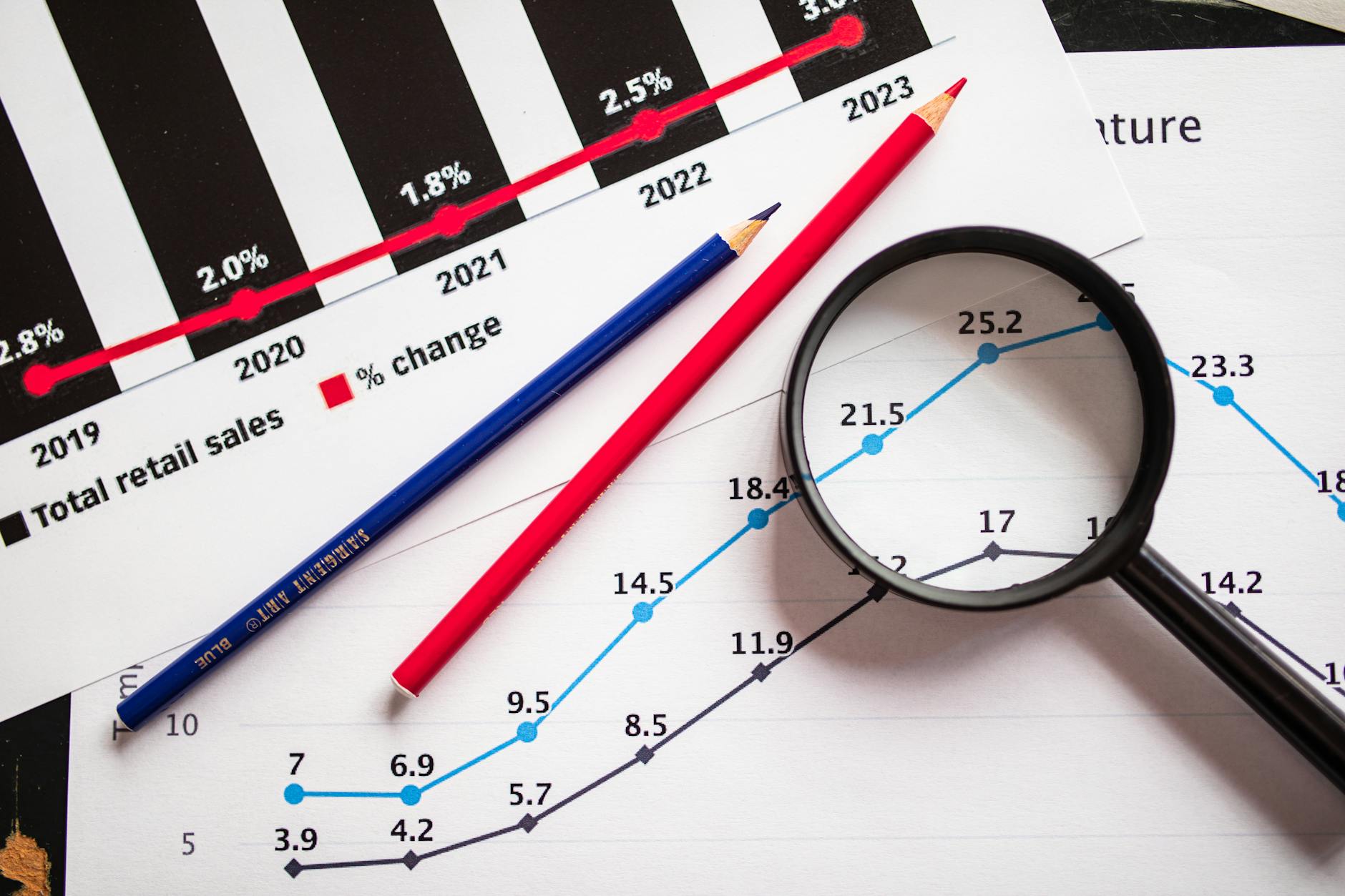
Why Most Corporate Finance Teams Are Bad at Forecasting (And How to Fix It)
Forecasting is supposed to be one of the most valuable things a finance team does. It drives decisions.Guides strategy.Shapes how companies invest, hire, and grow. And yet—most forecasts are… not very good. They’re outdated almost as soon as they’re created. They rely on messy data. And in many cases, they’re influenced more by internal politics…
-

From Excel to AI: The New Skill Stack Every CPA Needs in 2026
For years, the accounting career path was pretty predictable. Master Excel.Understand compliance.Stay up to date on regulations. That was enough to build a solid, stable career. But that’s changing—fast. Today, the CPAs who are advancing the quickest aren’t just good with spreadsheets. They’re building a modern skill stack that combines technical ability, data insight, and…
-

PivotTables Like a Pro: Transforming Data into Financial Insights
PivotTables are the Swiss Army knife of Excel for finance professionals. Yet most CPAs only use a fraction of their potential. Mastering just a few intermediate tricks can turn a basic trial balance dump into management insights in minutes. 1. Start with a Clean TableAlways begin with structured data (headers in row 1, no blanks).…
-

Supercharge Your Reconciliations with Advanced Lookup Functions
Every accountant knows the pain of reconciling two lists that don’t quite match. Whether it’s AP vs. GL or bank vs. book, Excel’s lookup functions can turn that nightmare into a streamlined, repeatable process. 1. The Problem with VLOOKUPWhile reliable, VLOOKUP is rigid—it breaks when columns move. CPAs who rely on legacy spreadsheets are particularly…
-

Audit-Ready Excel: Tracking Changes and Formula Transparency for CPAs
Auditing a spreadsheet is like auditing a financial statement: traceability is everything. Excel offers several built-in tools that make formula review, version control, and data verification far easier than most realize. 1. Trace Precedents and DependentsUse Formulas → Trace Precedents/Dependents to visualize your model’s flow. When reviewing a client’s model, it helps pinpoint errors or…
-
The Power of Dynamic Ranges: How to Turn Static Reports into Living Models
CPAs often inherit static spreadsheets that require manual range updates—especially when clients add new accounts, new months, or new entities. Enter dynamic named ranges: a tool that makes your reports self-updating and audit-friendly. 1. The Problem with Static RangesStatic formulas like =SUM(B2:B12) break the moment someone adds a new data row. In accounting, where data…
-

Excel Shortcuts Every CPA Should Know (But Probably Doesn’t)
For CPAs, time really is money—especially during close cycles or tax season. While everyone knows Ctrl+C and Ctrl+V, there’s an entire world of Excel shortcuts that separate efficient accountants from the truly elite. Let’s dive into the hidden gems that can save you hours each week. 1. Jumping Through Data with Ctrl + Arrow KeysInstead…